
Preferences
The Preferences page is where GuideVault behavior can be adjusted for the current user profile.
Per-user settings
Section titled “Per-user settings”Preferences are intended to be user-specific. Different users can choose different visual behavior without forcing the same presentation on everyone using the same GuideVault instance.
Colorscape disabled
Section titled “Colorscape disabled”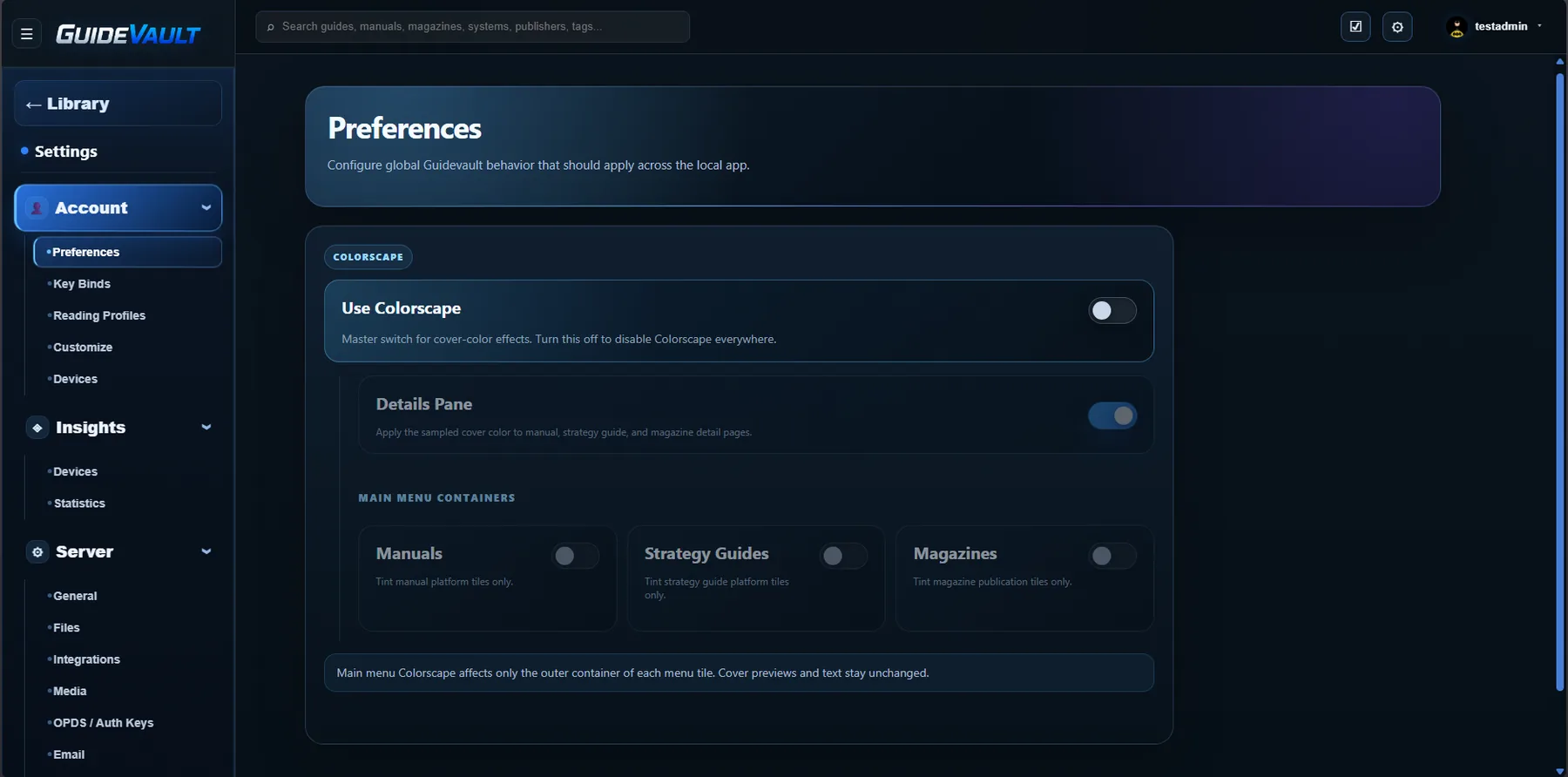
Colorscape enabled
Section titled “Colorscape enabled”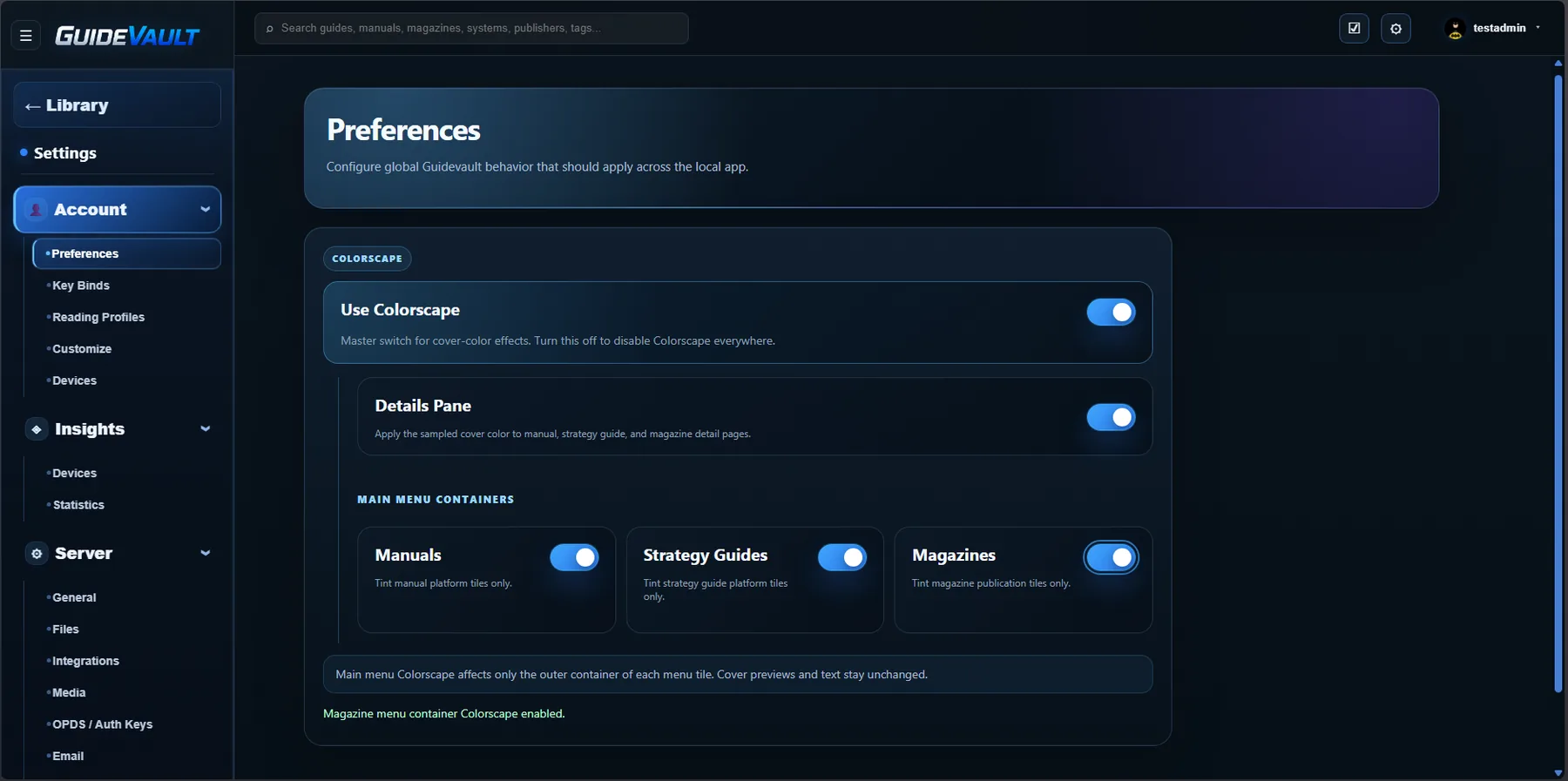
What Colorscape does
Section titled “What Colorscape does”Colorscape is a visual enhancement system that applies cover-based color effects to selected parts of the GuideVault UI.
The master Use Colorscape switch controls whether cover-color effects are active at all.
Details Pane
Section titled “Details Pane”The Details Pane option applies sampled cover color to manual, strategy guide, and magazine detail pages.
Main menu containers
Section titled “Main menu containers”- Manuals — tint manual platform tiles only.
- Strategy Guides — tint strategy guide platform tiles only.
- Magazines — tint magazine publication tiles only.
These options are meant to affect the container styling, not the actual cover previews or item text.
How colors are chosen
Section titled “How colors are chosen”GuideVault samples colors from available cover artwork and uses those colors as subtle UI tints. Items without usable cover art should fall back to the standard GuideVault theme.