
Admin Account
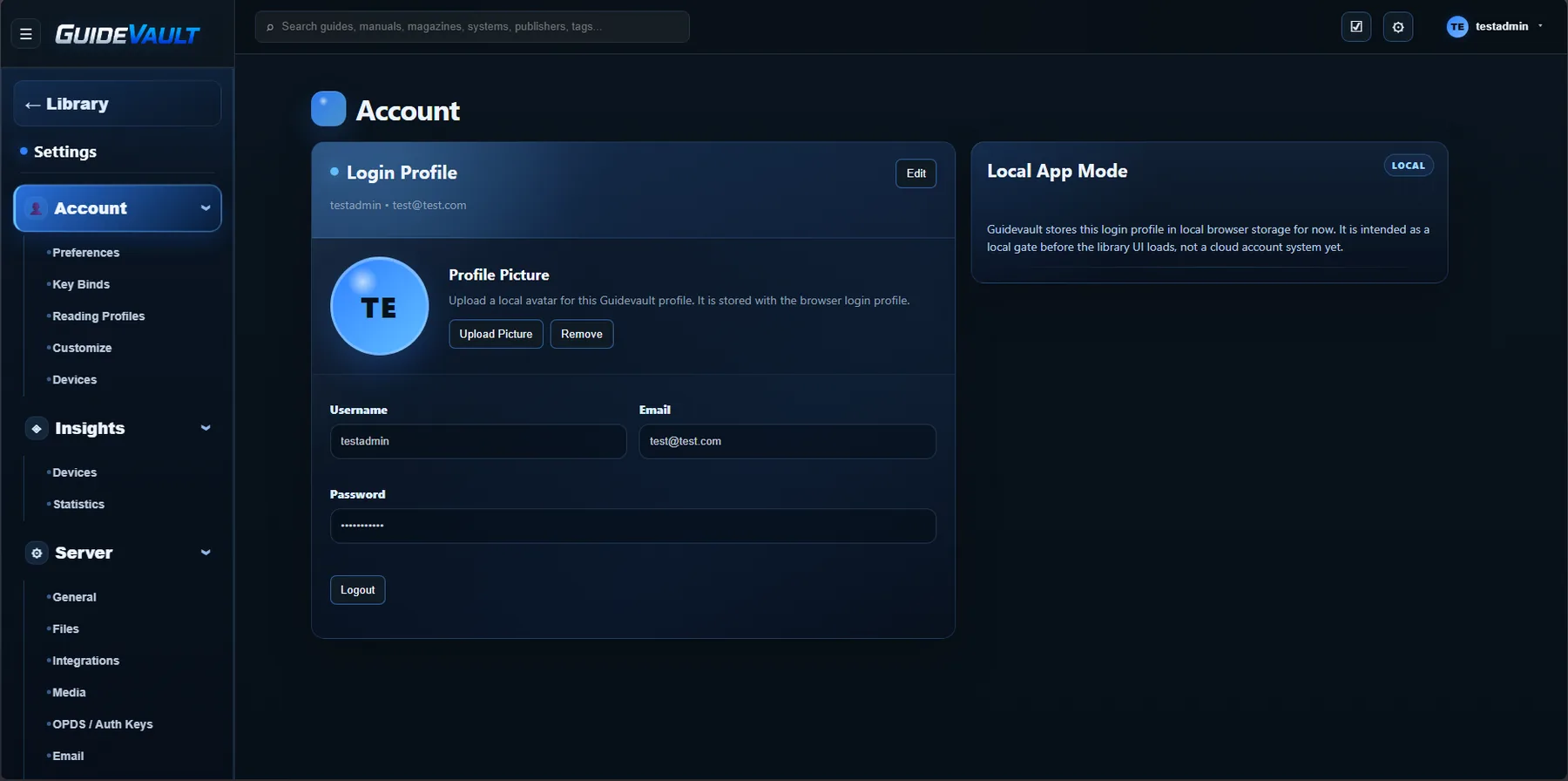
The Account page lets you review and update the local GuideVault login profile used by the browser/app experience.
Login profile
Section titled “Login profile”The Login Profile panel shows the current username and email attached to the local GuideVault profile.
From this area, you can review or edit username, email, password, and profile picture.
Profile picture
Section titled “Profile picture”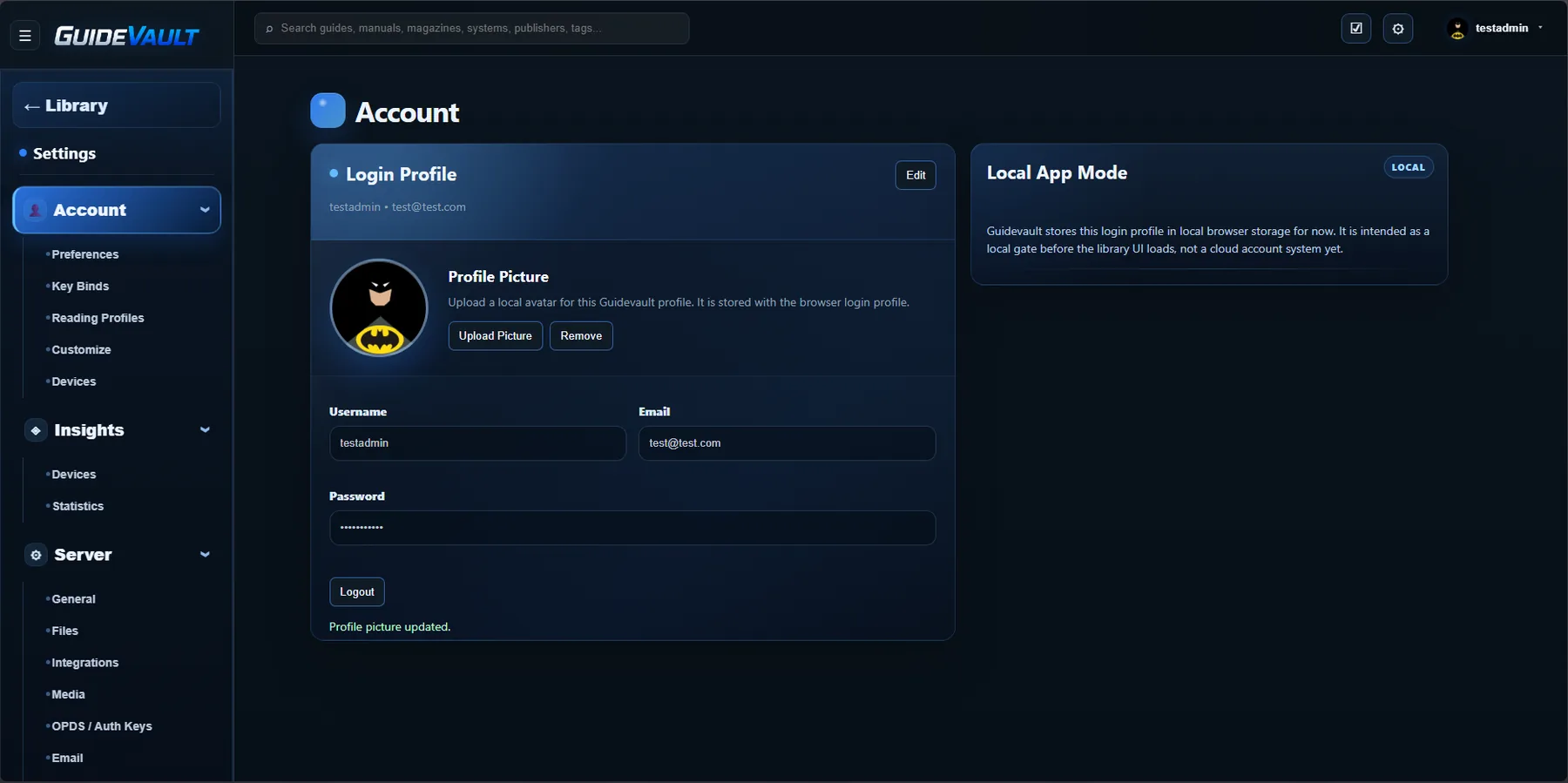
The profile picture is used as a visual identifier in the top-right account area and on the Account page.
Local App Mode
Section titled “Local App Mode”The Local App Mode panel explains that GuideVault stores the login profile locally for now. Treat this as part of the local GuideVault app/browser experience, not as a centralized cloud account.