
Customize Menu
The Customize menu controls how GuideVault presents the Home page and sidebar shortcuts. It is where you decide what shelves appear, what they mean, and how quickly you can jump into common library views.
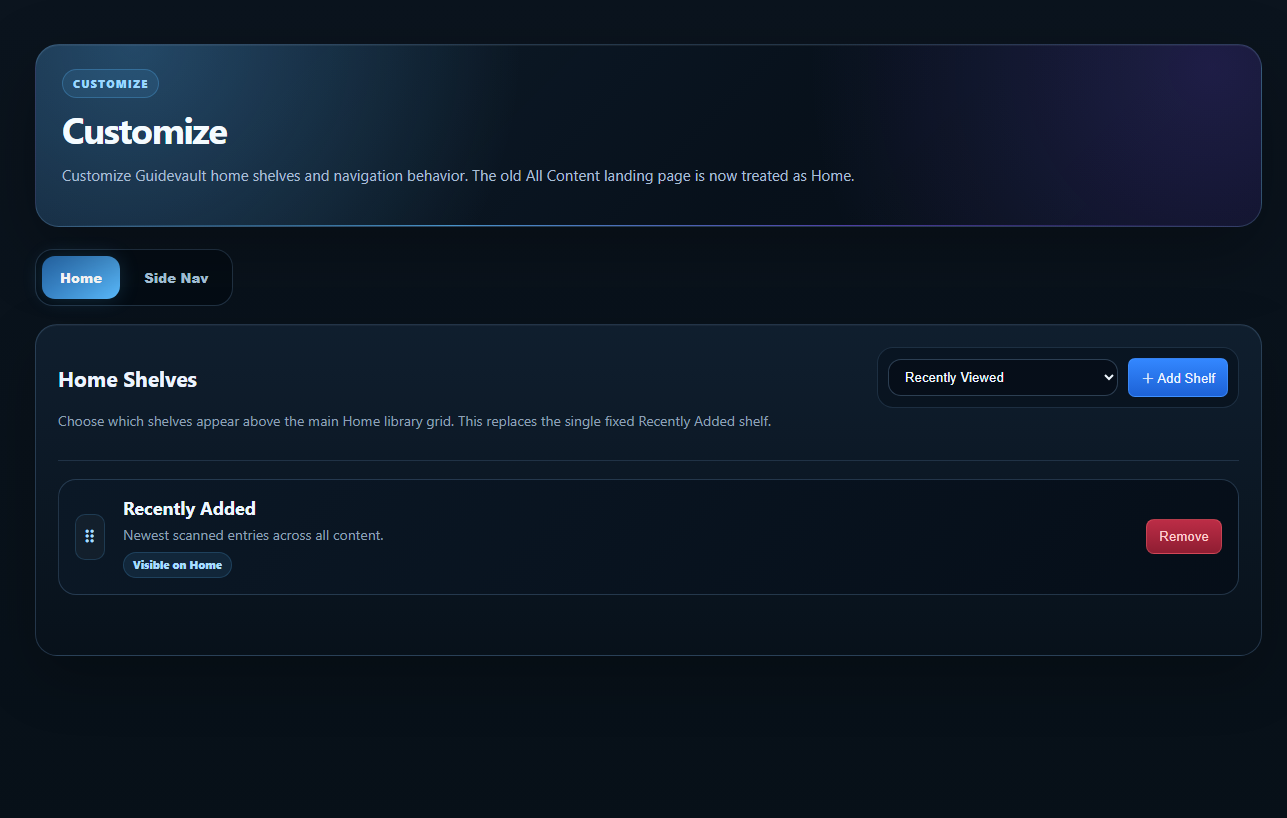
Home shelves
Section titled “Home shelves”Home shelves are horizontal sections that appear above or alongside the main library grid. They are useful for surfacing content without forcing you to search every time.
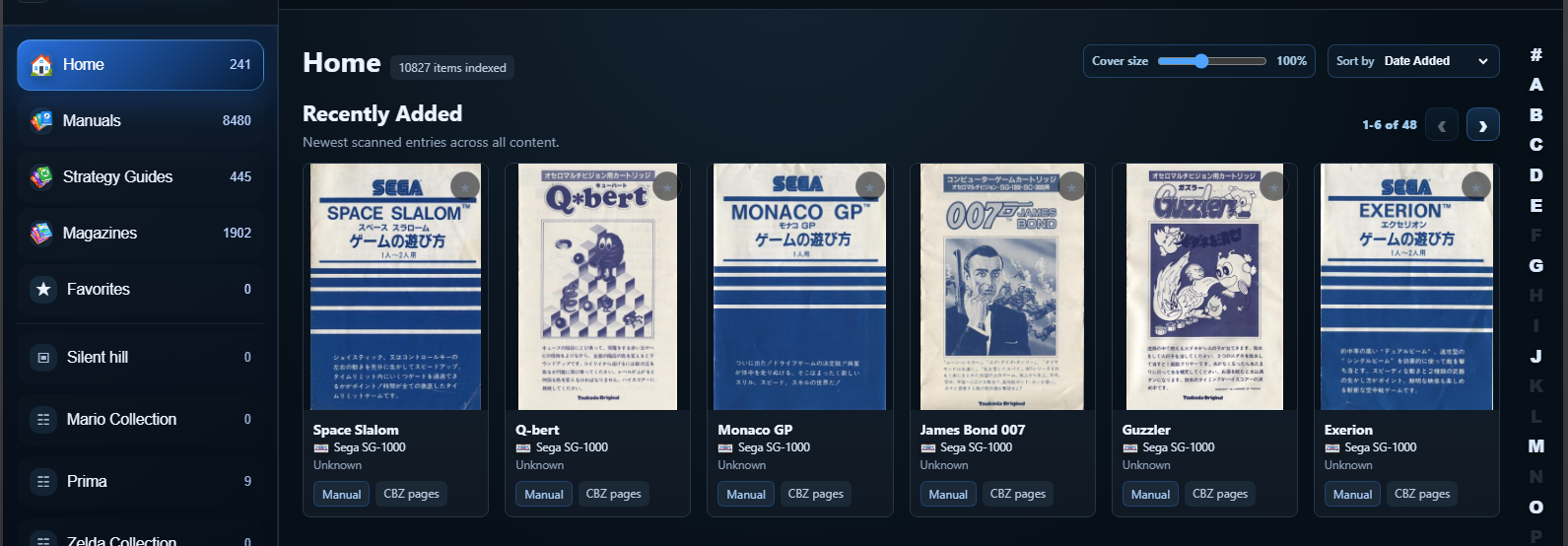
Shelf preset definitions
Section titled “Shelf preset definitions”Recently Added
Shows newly scanned or newly indexed content across the library. This is useful after adding a batch of manuals, magazines, or guides.
Recently Viewed
Shows content you have opened recently. This is useful for returning to a manual, guide, or magazine without searching again.
Favorites
Shows items marked as favorites. Use this for documents you return to often.
Manuals
Shows manual-type content. This shelf is useful when you want quick access to instruction booklets and reference materials.
Strategy Guides
Shows strategy guide content such as walkthroughs, maps, official guides, unofficial guides, and complete solutions.
Magazines
Shows magazine content, previews, reviews, retro publications, and issue-based gaming journals.
Saved or custom groups
Shows curated views such as a series, publisher, platform, magazine run, or search-based collection when configured through navigation shortcuts.
Home Library
The broader home view. This is the general landing area for browsing all indexed content.
Add Shelf
Section titled “Add Shelf”Use Add Shelf to add another shelf preset to Home. This is best used for high-value shelves that make the landing page more useful, not for every possible category.
Remove
Section titled “Remove”Use Remove to take a shelf off the Home page. Removing a shelf does not delete the actual documents. It only removes that shelf from the Home layout.
Reordering shelves
Section titled “Reordering shelves”The drag handle beside a shelf is used to arrange shelf order. Put the shelves you use most often at the top.
Home tab vs Side Nav tab
Section titled “Home tab vs Side Nav tab”The Customize menu has two major ideas:
- Home controls what shelves appear on the main Home page.
- Side Nav controls pinned sidebar shortcuts and custom collection-style navigation.
Use Home shelves for broad browsing. Use Side Nav shortcuts for targeted collections, series, publishers, or saved searches.